AI Workshop: Create Content With AI – Blogs, Videos, Images & More

About Course
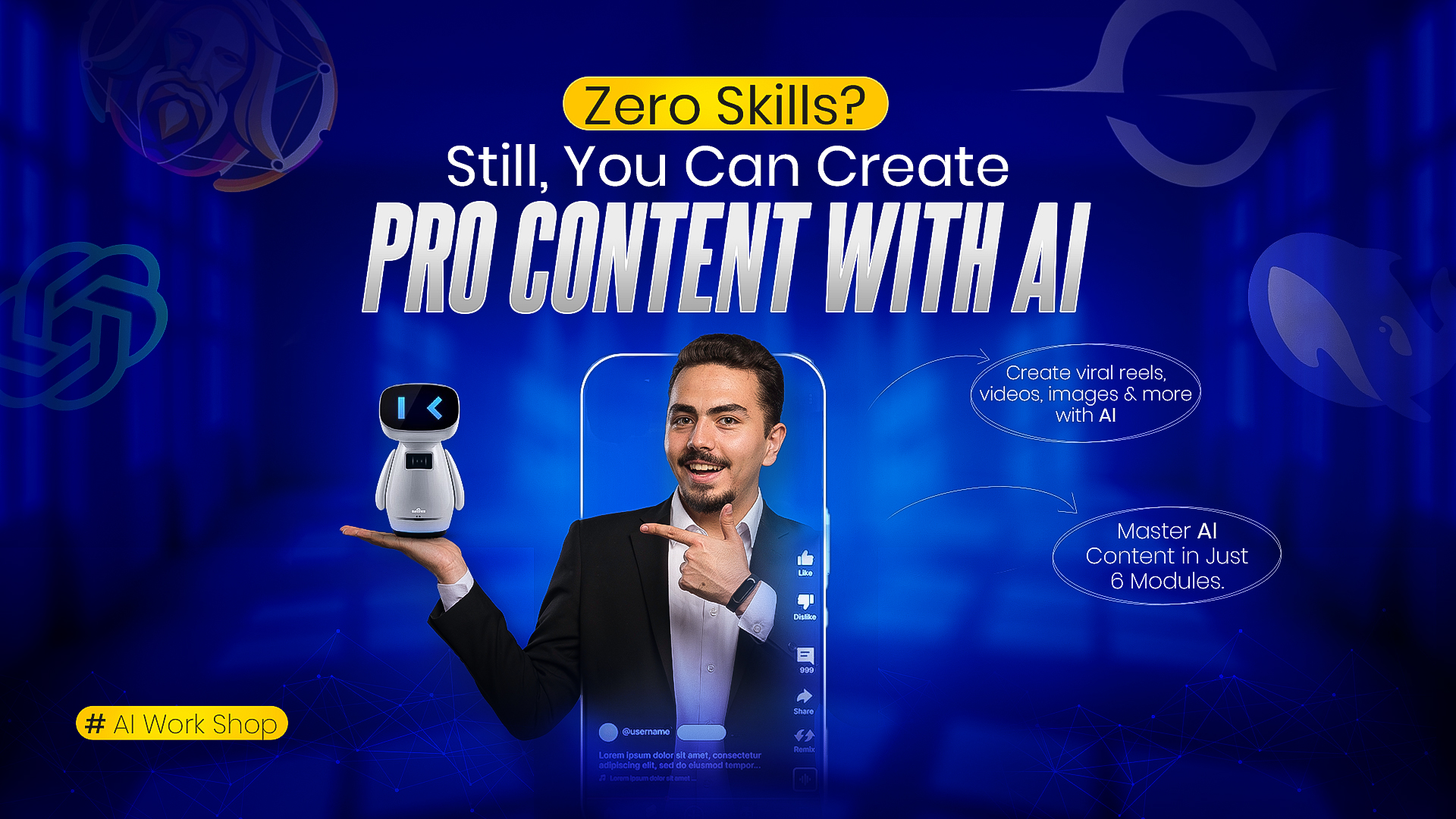
Learn how to create stunning content using AI — even if you have zero experience!
In this hands-on AI Workshop, you’ll explore the power of AI tools to create blogs, images, videos, music, voiceovers, and more. Whether you’re a student, freelancer, marketer, or content creator, this course will help you create fast, smart, and professional content with the help of AI.
You’ll discover how to use over 10 AI tools and complete 6 practical modules covering everything from writing and design to video and voice generation. No design, editing, or tech skills needed!
🎯 Course Details:
-
🧠 Modules: 6
- 🕒 Live Class Date: 17 July 2025
-
🕒 Class Duration: 3 hours (Live Class: 9 PM – 12 AM)
-
💬 Live Support: Next day (9 PM – 12 AM)
-
📲 Access Mode: Mobile & Desktop
✅ Class Module in details:
Module 1: Learning Content Writing with AI
- Writing blogs and articles
- Creating engaging social media posts
- Writing YouTube video scripts and captions
- Copywriting for advertisements
Module 2: Creating and Editing Images with AI
- Text-to-image generation
- Creating images in special styles (Ghibli, Pixar, Lego)
- Background removal and cleanup
- Retouching, poster design, social media posts, and thumbnail creation
- Using Canva’s AI Magic Tools (Magic Edit, Magic Design, Magic Eraser)
Module 3: Creating Videos with AI
- Text-to-video creation
- Image-to-video creation
- Short videos (Reels, Shorts)
Module 4: Music Composing with AI
- Creating songs from text
- Background music for videos
- Original tracks for reels and short videos
- Mood and genre setting
Module 5: Creating Voiceovers with AI
- Voice generation
- Voice cloning (with ethical considerations)
- Multi-language text-to-speech
- Controlling tone, pitch, and speed
Module 6: Creating AI Content on Mobile
- Using AI tools via Chrome on mobile
- Easy content creation with app
- Mobile optimization for faster work
- On-the-go project management
👉 Join now and create blogs, videos, designs & more — with the power of AI!
Course Content
Live Class: AI Content Creation Workshop
-
Live Class: AI Content Creation Workshop (3 Hours)
Live Support Session (Q&A + Help)
Student Ratings & Reviews

Live Skill Academy আপনাকে লাইভ ক্লাস ও রেকর্ডেড ক্লাসের মাধ্যমে বাস্তব অনুশীলনের সাথে ডিজিটাল স্কিল শেখায়। নতুন স্কিল শিখুন এবং আয় করা শুরু করুন।